Food waste audit & tracking
Make food waste visible.
For businesses and organisations that handle food: record waste by category, track donations, and export your figures as a PDF.
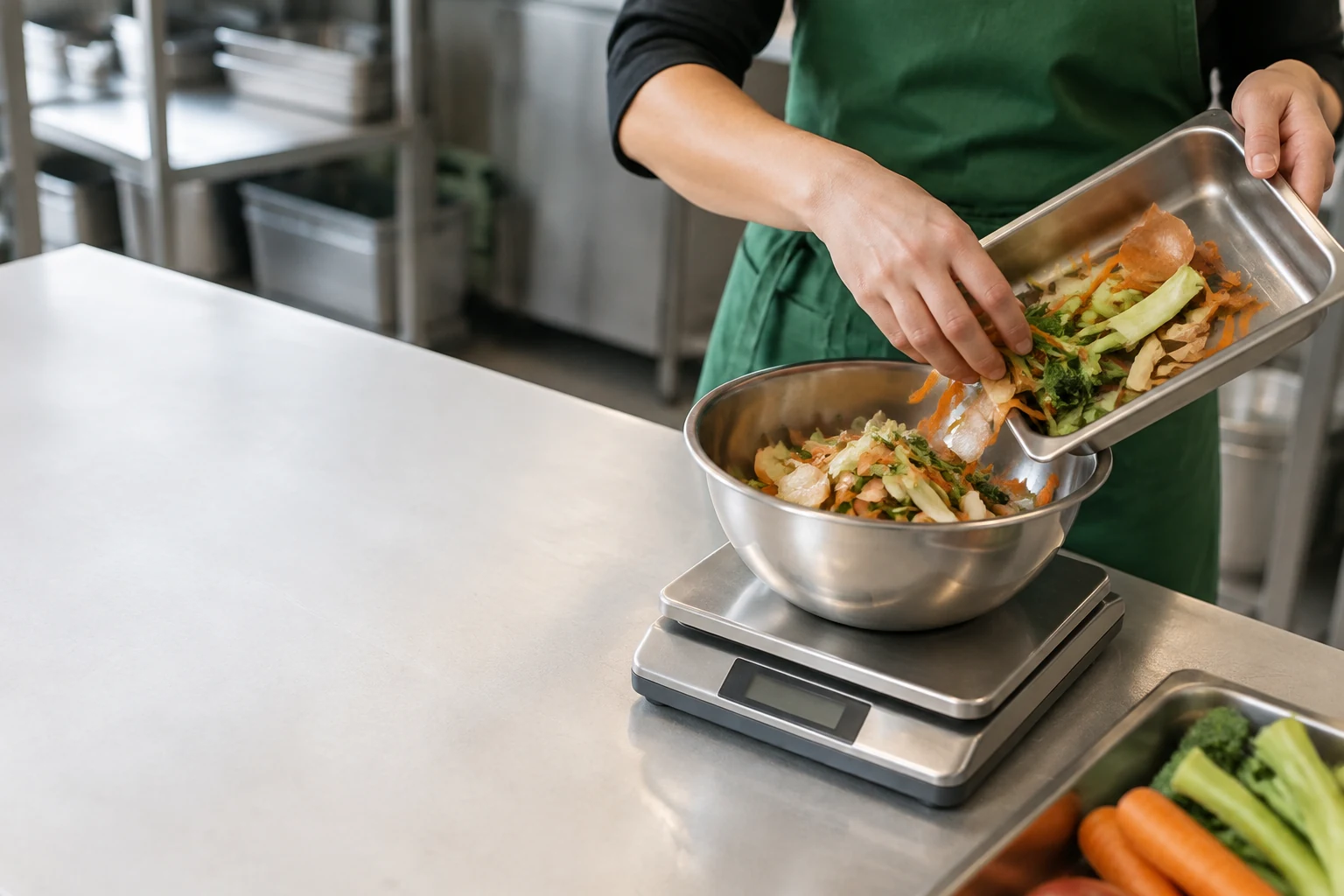
Different sources. One clear picture.
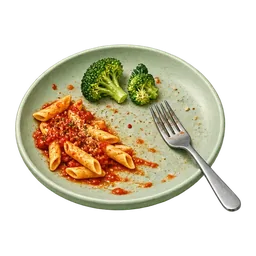 Plate wasteLeft after a meal
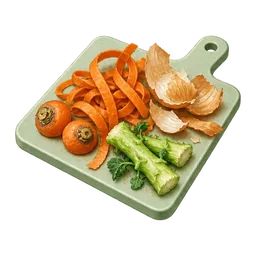 Prep wastePeelings and offcuts
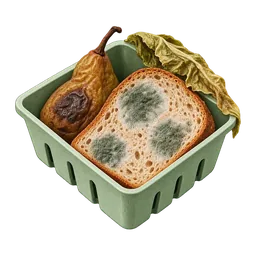 Spoiled foodNo longer fit to eat
 Surplus foodPrepared or stocked, unserved
From record to report
One record.
The whole picture.
Follow your figures from the kitchen counter to a report you can share.Scroll through the story ↓
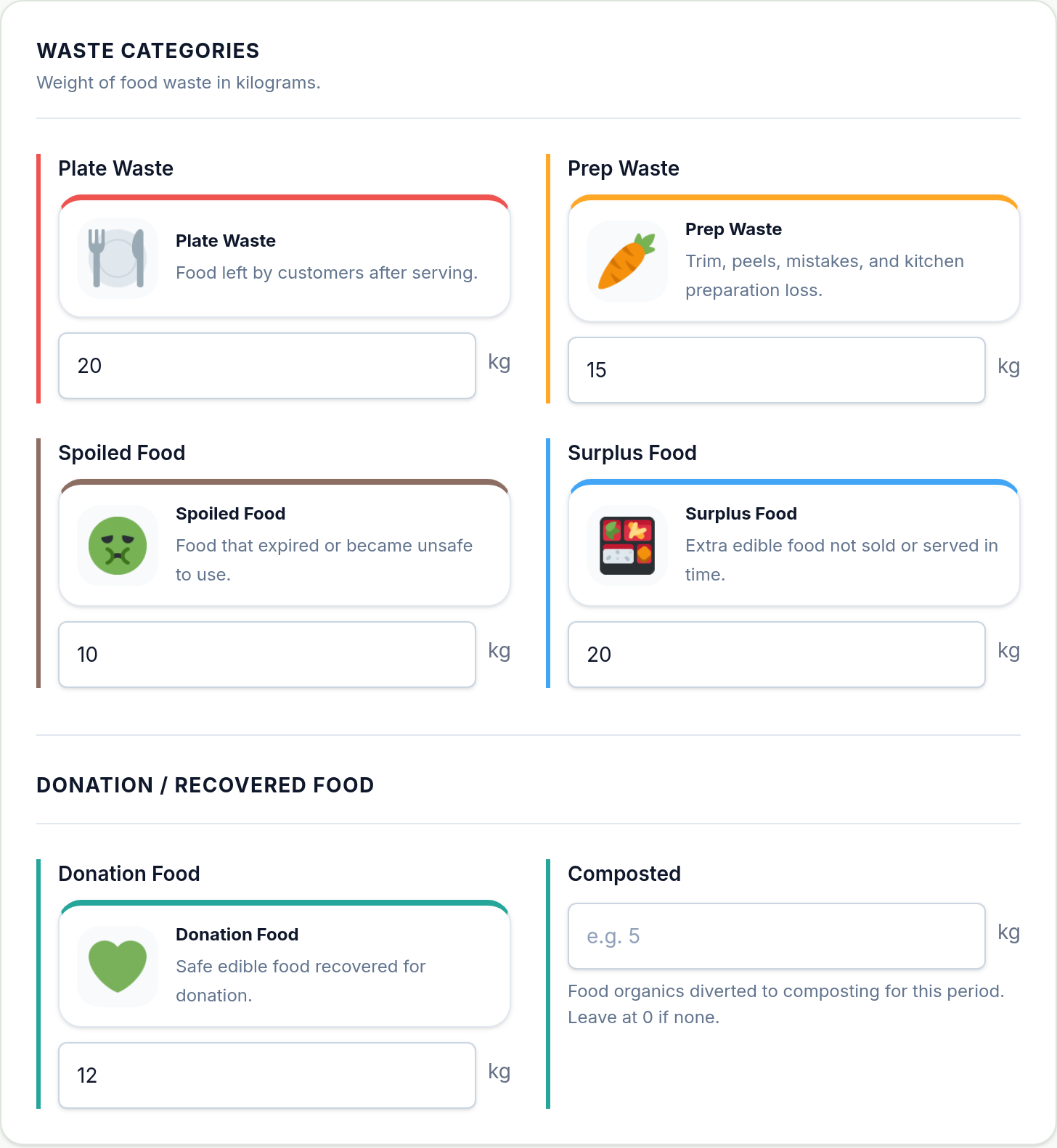
Start with
what you know.
Choose your dates and enter weights by category. Add donations, composting, and notes.
Explore the record fields (opens in a new tab)Actual app · Fictional sample entries.
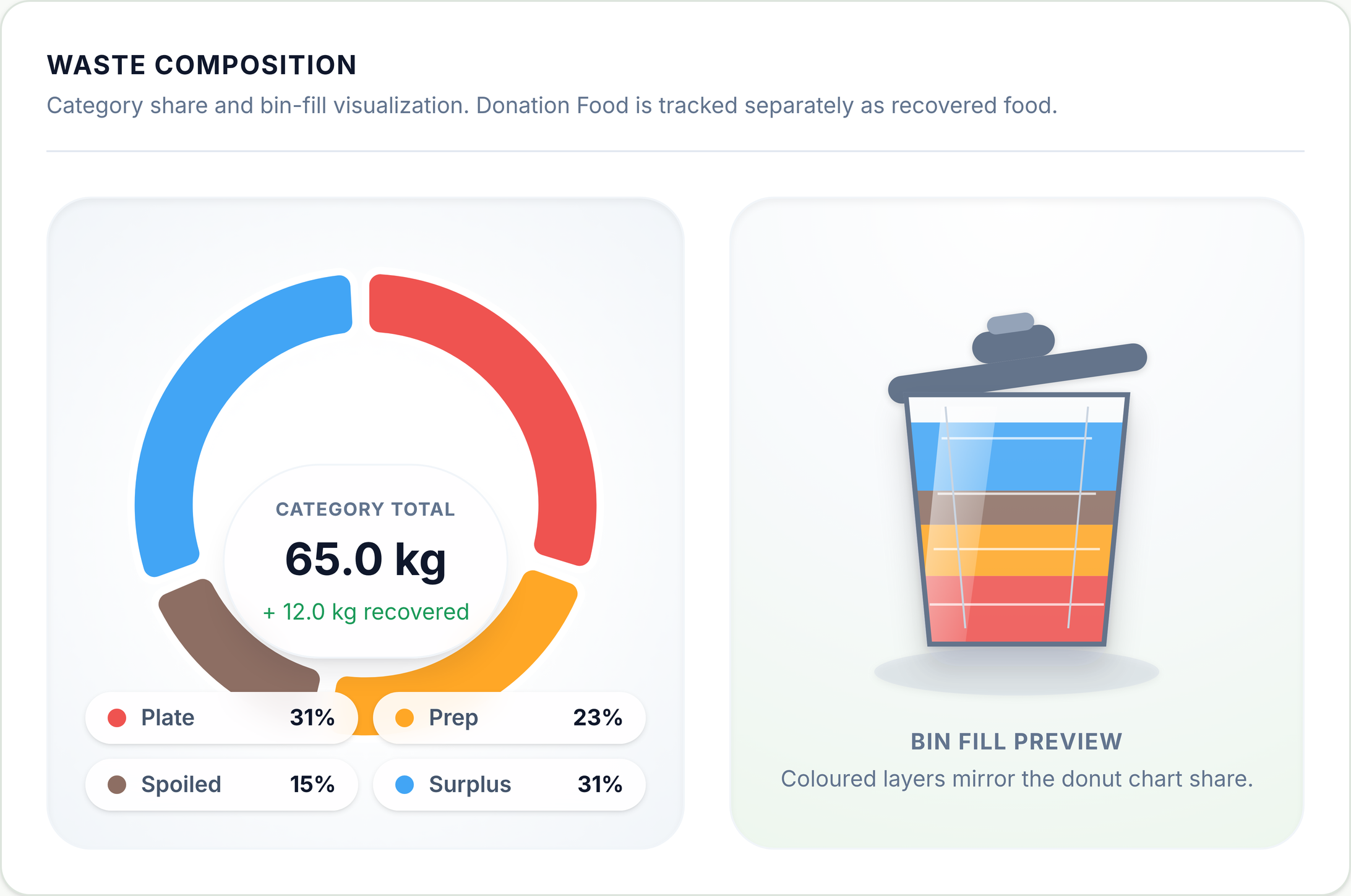
See where
it adds up.
Compare your category entries and keep donations recorded separately in view.
- Category total
- 65 kg
- Donations recorded
- 12 kg
Fictional example · 1–7 Sep 2026.
Category entries and donations shown separately.

Take the
picture with you.
Export your recorded figures as a PDF to save or share. See an illustrative example in the sample report.
Open the sample PDF (opens in a new tab)Illustrative sample · Fictional data.
Not an exact app export.
Keep recovery in the picture
Good food.
Still doing good.
Track edible food donations you’ve already arranged, alongside waste in your dashboard and reports. FOGO does not match you with recipients or organise collection or delivery.
How donation tracking works
Made to be shared
Bring more
to the table.
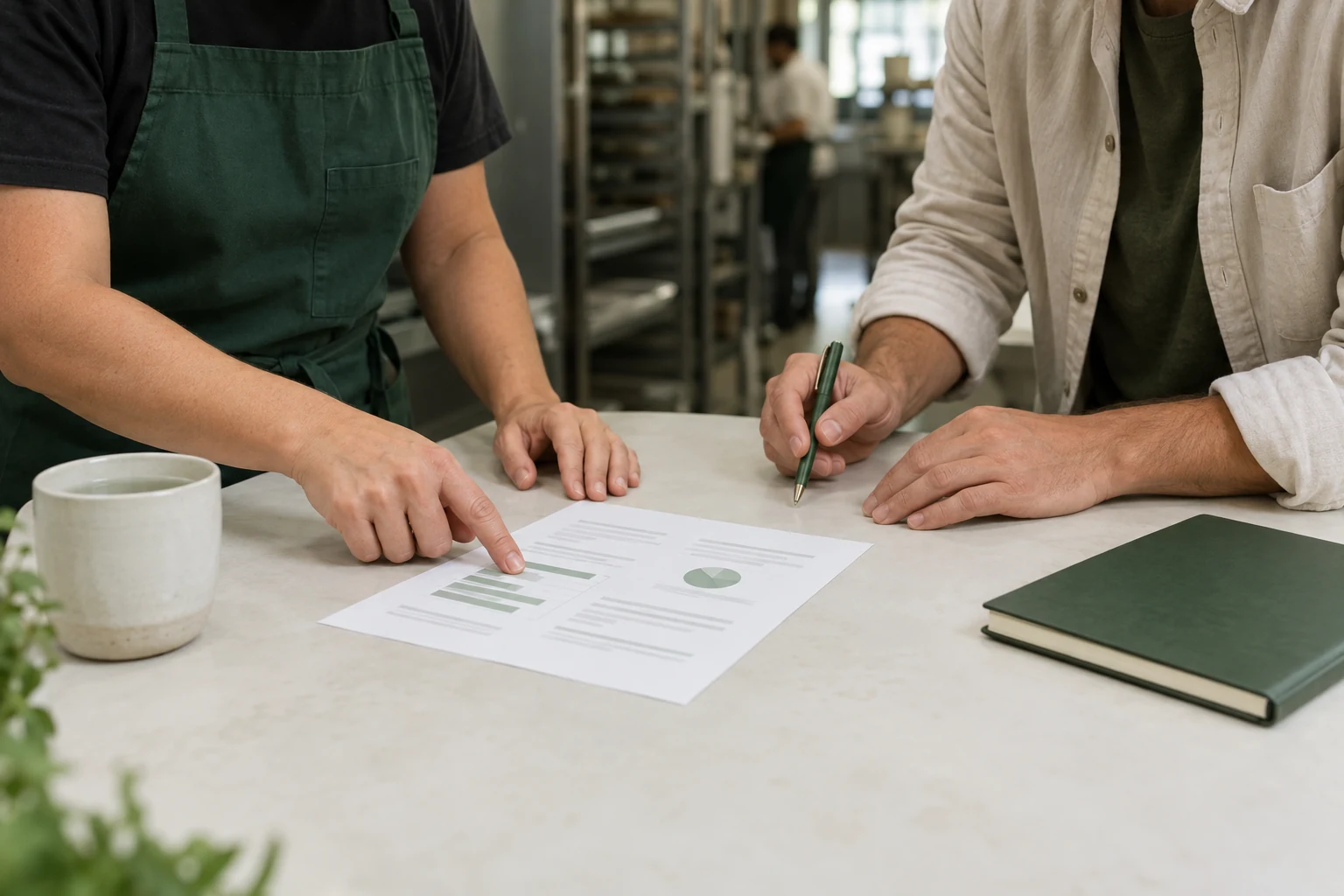
Use your recorded category figures to choose where to focus. If spoiled food stands out, discuss stock rotation with your team and agree on one action to try.
Take a look at a sample report (opens in a new tab)A few useful details
Before you start.
Is FOGO for my business?
FOGO is for businesses and organisations that handle food: food services, education, aged care, supermarkets, retail, and community organisations. Select your sector when registering.
What do I need to start recording?
Register your business to create an account. You’ll be signed in and taken to your business profile to add details; there’s no separate approval step. To record food waste, have your dates and category weights in kilograms ready. You can also add donations, composting, and notes.
Does FOGO arrange food donations?
No. FOGO records donations you have already arranged. It does not match you with recipients or organise food collection or delivery. Your donation records appear in your dashboard and reports.
My account is already set up. What now?
Sign in with your existing credentials. You don’t need to register again. You can update your business profile or start a new food waste record from your account.